Auto-Planning: One Click, the Rest Runs in the Background
The most tedious part of shift scheduling — assigning people to shifts — Klacks handles at the push of a button. The calculation itself takes some time, but it keeps running in the background: you don't have to wait, and can turn your attention to other things in the meantime.
How it works
Behind the 1-click auto-planning sits a genetic algorithm: it generates thousands of schedule variants, scores them, and keeps combining the best ones — until a well-balanced solution emerges. Hard rules always take priority; only after that do further goals count:
- Rules — labor law, rest periods, qualifications, and availability are non-negotiable: no matter how good the rest of a schedule is, it can never win by breaking a hard rule
- Coverage — every shift is staffed with the required number of people
- Fairness — working hours are distributed evenly, and each person's shift sequence follows the early → late → night pattern where possible
- Continuity — where possible, employees stay at their usual work location
You launch auto-planning directly from the schedule for the selected period. The result appears as a normal draft: everything remains adjustable by hand, and nothing gets locked in without asking.
Good to know
- Qualifications act as a hard boundary: anyone lacking a required qualification will not be scheduled.
- Auto-planning respects entries that already exist — so you can pin the fixed points first and let it fill in the rest.
- Don't like a result? Just run it again: the algorithm finds equally good alternatives.
- You can create several scenarios in parallel without changing the existing schedule: each scenario is its own what-if copy that you can compare, discard, or apply. That way you're ready for short-notice changes instead of having to recalculate only once they happen.
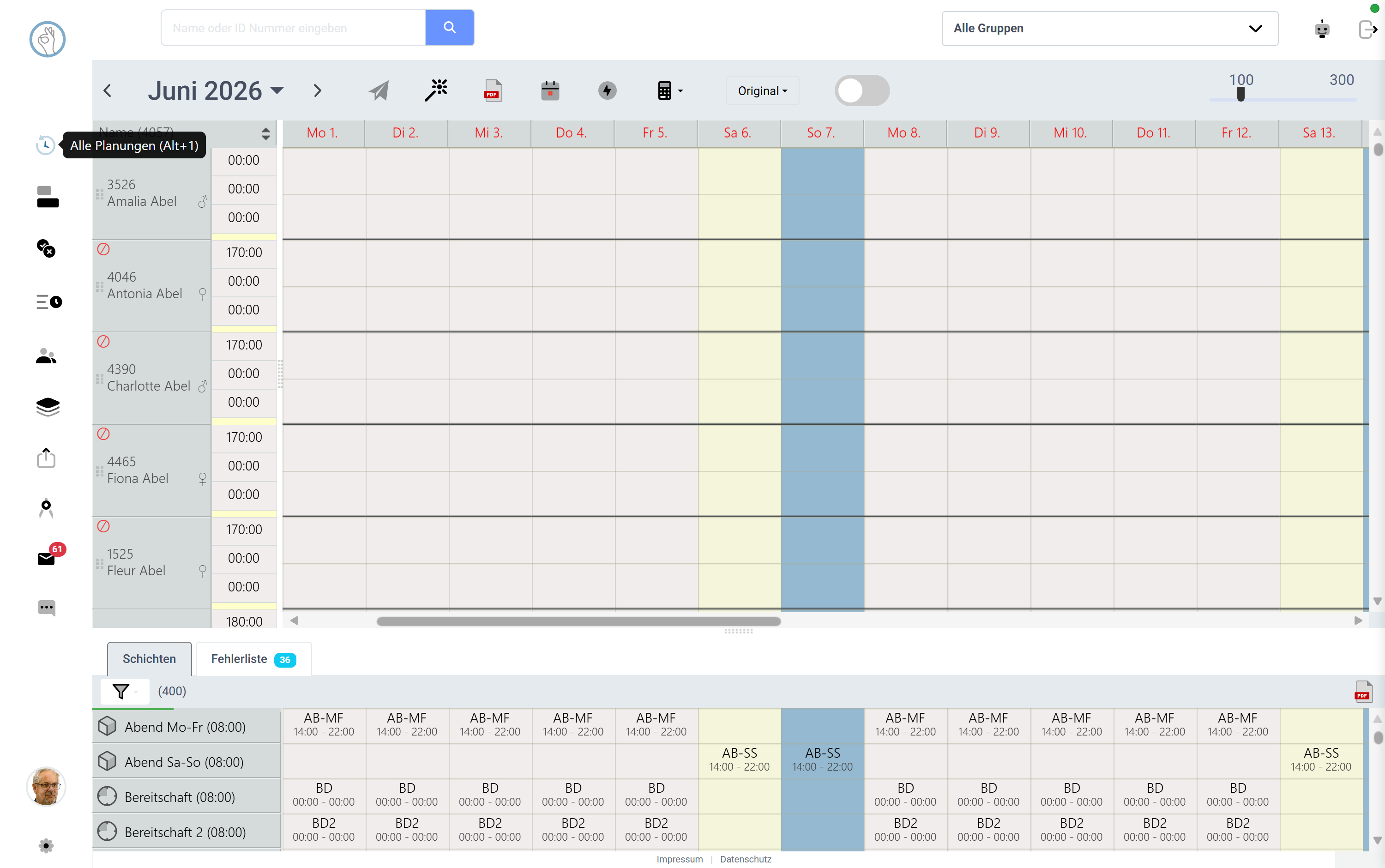 Screenshot shown in German — the app itself is available in English.
Try it yourself: Klacks Playground — login admin@test.com / P@ssw0rt1, data resets daily.